
Orozino Login and Sign Up

Setting up an Orozino Casino account takes about three minutes for Australian players. The registration form is straightforward, accepts AUD from the first step, and unlocks both the welcome bonus and the no-deposit free spins once email and phone verification are complete. This page walks through every step of the sign-up process for new users, covers the login flow on both desktop and mobile devices, lists the documents needed for KYC verification before a first withdrawal, and shares a few practical security tips that help keep accounts protected against the most common online threats today.
Open an Orozino Account in Three Steps
The Orozino sign-up flow is structured around three checkpoints: a registration form, verification of contact details, and a first deposit. Working through them in order takes about three minutes, and the welcome bonus activates immediately after the deposit clears.
Step 1: Fill the Registration Form
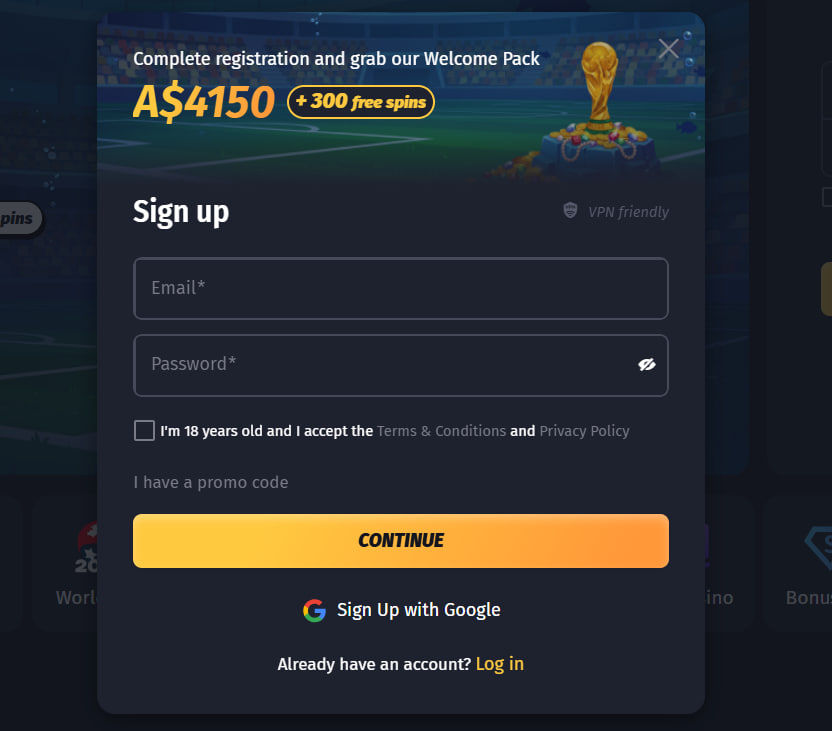
The form asks for an email address, a password, country (Australia), preferred currency (AUD), date of birth (18 or older), and acceptance of the terms. Picking a strong password from the start is recommended — changing it later is possible but interrupts active sessions across devices.
Registration Form Fields
- Valid email address used for login and password recovery
- Strong password of 12 characters or more
- Country of residence and preferred account currency
- Date of birth (18+ required by law)
- Mobile phone number used for bonus activation
- Agreement to the terms, conditions and privacy policy
Step 2: Verify Email and Phone
Right after submission, Orozino sends a confirmation link to the email address provided. Clicking the link activates the account. A second prompt asks for phone verification through SMS — completing this step unlocks the no-deposit free spins offered to new users.
Step 3: Make the First Deposit
The cashier opens automatically after verification. A minimum of 20 AUD activates the welcome package: a 100% match up to 500 AUD plus 100 free spins on selected pokies. Card payments, bank transfers and several cryptocurrencies are available, with full promotion details on the bonus page.
Logging Into Orozino on Web and Mobile
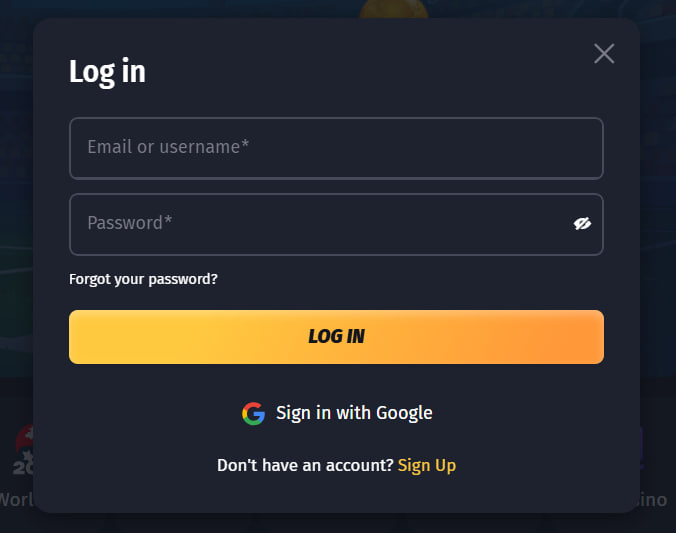
Returning players access their account from the login button at the top right of the desktop site, or the menu icon in the mobile interface. Saved sessions remain active for several days when the remember me option is ticked, though clearing browser cookies signs the device out immediately.
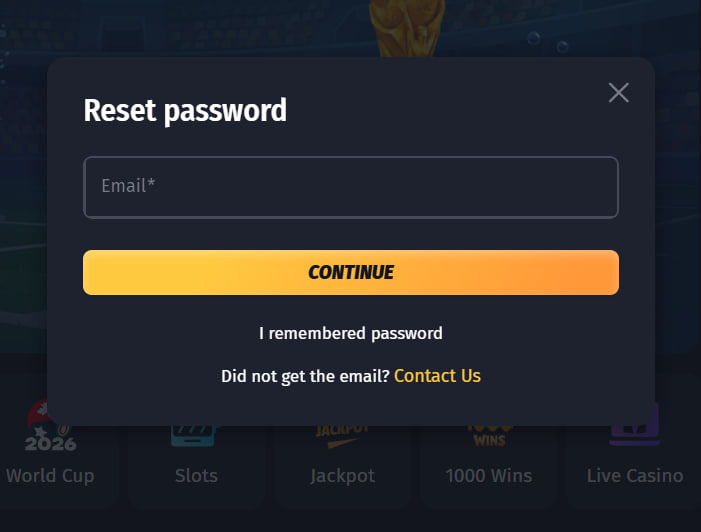
Forgotten passwords reset through the forgot password link: enter the registered email, click the link sent through, and choose a new password. Players who installed Orozino as a progressive web app keep separate session storage on iOS and Android — install steps live on the mobile guide.
If the login page doesn't load at all, ACMA may have blocked the official domain at the ISP level. Returning to the home page through a known-good link is the recommended next step.
Account Verification — KYC Document Checklist
Every player who wants to make a first withdrawal must complete KYC verification. The team usually processes documents within 24 to 72 hours, and a clean first submission often turns around in under a day.
Documents Required for Verification
The verification request asks for three document categories: government-issued identification, proof of residential address, and proof of the deposit method. Clear, full-frame, unedited photos are the fastest path to approval. Files outside PDF, JPG or PNG formats may be rejected by the upload system.
KYC Document Requirements
| Document type | Examples | Notes |
|---|---|---|
| Identification | Driver's licence, passport, Medicare card | Both sides clearly legible |
| Proof of address | Utility bill, bank statement | Dated within the past three months |
| Payment method | Card photo (first 6 and last 4 digits visible), e-wallet screenshot | Crypto wallet address screenshot accepted |
Common Rejection Reasons
The most frequent rejections come from blurry photos, expired documents, names that don't match the registration, and utility bills older than three months. Re-uploading corrected files through the same request usually resolves the issue without restarting the process. Support responds to verification queries through live chat around the clock.
Account Security and Two-Factor Authentication
Securing an Orozino account follows the same principles as any financial account online. Two-factor authentication is available through account settings and adds a one-time code from an authenticator app to every login. The platform also runs SSL encryption on all pages that handle credentials or payment data.
Players should be cautious about phishing emails that imitate the casino brand. Orozino communications come from verified addresses, never request passwords by email, and don't ask players to share screenshots of their account balance.
Account Security Tips
- Enable two-factor authentication during the first login
- Use a unique password generated by a trusted password manager
- Avoid logging in on shared or public computers
- Never share screenshots of the account dashboard
- Report suspicious emails through the official support channel

Roderick Stanmore
Roderick Stanmore reviews Orozino Casino at orozino-casinos.com — the 2024-launched Spinsoft Interactive N.V. brand (sister to Cherry Spins) operating under an Anjouan Gaming Authority licence from the Comoros archipelago. Covers the 7,000+ title library across 36 studios (Pragmatic Play, NetEnt, BGaming, Evolution + Belatra for the no-deposit Mayan Book FS), the 100% to 500 AUD + 100 FS welcome at 40x wagering, the unique 50 no-deposit free spins with 5,000 EUR cap, native AUD/NZD/CAD/EUR/BRL plus 6 crypto banking, and the install-free PWA on Safari and Chrome.